


An AI agent for GA4 is software that holds credentials to your Google Analytics property, translates a plain-English question into the right metrics, dimensions and date ranges, runs the report through the Data API, and answers in sentences. You stop building reports and start asking questions.
The appeal is obvious to anyone who has spent twenty minutes constructing an exploration to answer something they could say out loud in six seconds. The risk is equally real and much less discussed: an agent that picks the wrong dimension returns a confident, well-written, wrong answer, and nothing in the output looks different from a right one.
This covers how the connection actually works, what to ask, the GA4-specific errors agents make, and what it costs.
What is an AI agent for GA4?
Three parts. The connection, which is OAuth access to your property on a read-only scope. The translation layer, which converts "how did mobile convert last quarter" into a Data API request with the metric names, dimension names and date range Google expects. And the loop, which lets the agent look at what came back and decide whether it needs a second query before it answers.
That third part is what separates an agent from a natural-language query box. Ask "why did conversions fall" and a query box returns a conversions chart. An agent pulls conversions, notices the decline is concentrated in one channel, pulls that channel by landing page, finds two pages carrying it, and answers the question you asked rather than the one you literally typed.
How to connect an AI agent to Google Analytics 4
Two routes, and which one you want depends on whether you are a marketer or a developer.
Route 1: a hosted OAuth connection
The marketer path. You authorise the product against your Google account, pick the property, and the connection is stored server-side and reused on every query. In our own implementation the agent checks for an active Analytics connection on the first GA4 tool call; if there is none, it does not fail or guess - it returns an interactive prompt asking you to connect, deep-linked to the integrations screen, and picks the conversation back up afterwards. The property comes from your workspace settings if you have set one, otherwise the first property on the connection.
Setup is a couple of minutes and there is nothing to install. The trade-off is that you use the tool catalogue the vendor built.
Route 2: MCP
The developer path. Google publishes its own Google Analytics MCP server, which exposes GA4 to any MCP-capable client. It provides run_report, run_realtime_report, run_funnel_report, get_account_summaries, get_property_details, get_custom_dimensions_and_metrics and list_google_ads_links. Authentication is Application Default Credentials on the read-only Analytics scope, which in practice means enabling the Admin and Data APIs in a Google Cloud project and running gcloud auth application-default login.
Two caveats before you build on it. Google labels the server experimental. And MCP gives your agent the tools, not the judgement about which to call - the reasoning quality still comes from the model and the prompt.
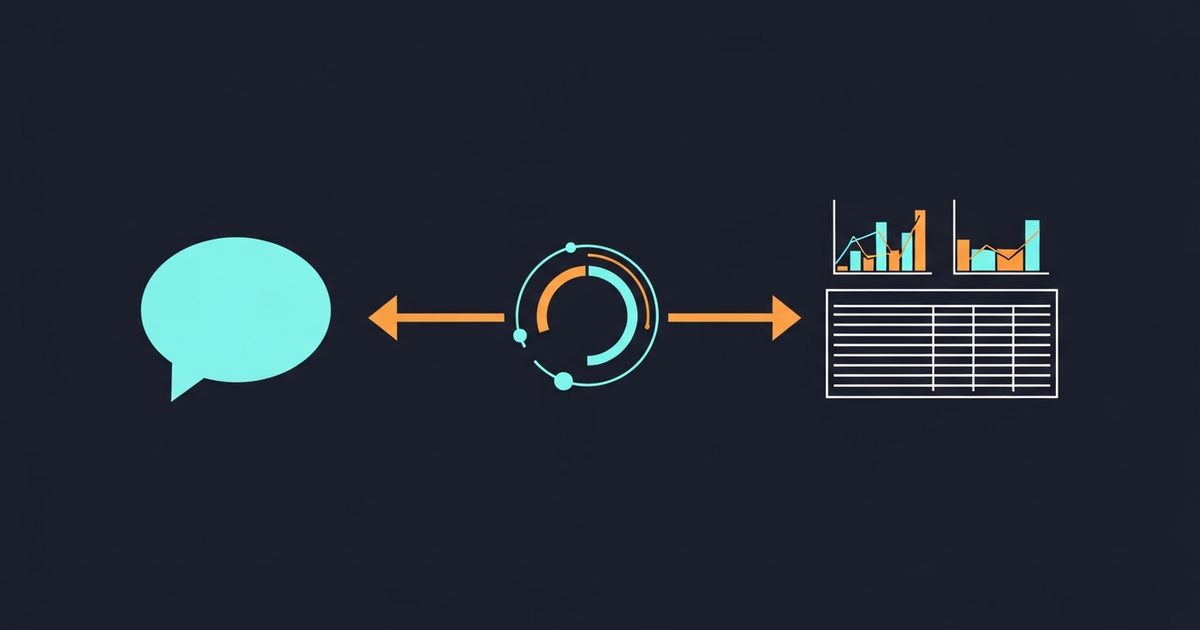
What GA4 questions you can ask in plain English
The ones that work well share a shape: a comparison, a segment, and an absolute date range.
Compare organic search conversions for [date range A] against [date range B],
broken down by landing page. Show the 10 pages with the largest absolute change.
Flag any row where sessions are low enough that the rate change may be noise.
Which acquisition channels improved and which declined over [date range],
measured by conversions rather than sessions? Name the conversion event you used.Where do users drop off before completing [goal] over [date range]?
Give raw counts alongside percentages.Is the gap between mobile and desktop conversion rate widening or narrowing
versus the previous equivalent period? Show both periods.The questions that work badly are the open ones. "How is the site doing" produces a summary of everything and a conclusion about nothing, and it costs more, because a vague objective fans out across more queries than a precise one.
Which GA4 metrics are worth automating
Automate the metrics whose movement always demands an explanation, and leave the rest for when you ask.
| Metric | Why automate it | Watch for |
|---|---|---|
| Conversions by channel | The number the business actually cares about | Which conversion event is configured as primary |
| Conversion rate by landing page | Isolates page problems from traffic problems | Small denominators producing dramatic percentages |
| Engagement rate by source | Catches quality shifts before conversions move | Definition differs from bounce rate in Universal Analytics |
| Revenue by channel | Ties the work to money | Attribution model in use |
| Sessions by device and country | Explains composition changes behind a rate change | Cardinality collapsing rows into (other) |
What analysis errors AI agents make with GA4 data
This is the section to read twice. Every error below produces output that looks completely normal.
Treating clicks and sessions as the same thing. Search Console counts clicks on a search result; GA4 counts sessions after a page loads. They will never match, and an agent comparing them without saying so will "discover" a discrepancy that is just definitional.
Mixing user-scoped and session-scoped metrics. Dividing a user-scoped metric by a session-scoped one produces a number with no meaning. It will still be formatted to two decimal places.
Ignoring (not set) and (other). High-cardinality dimensions get collapsed into an (other) bucket, and unattributed traffic lands in (not set). An agent summing the visible rows and reporting a total is quietly excluding both.
Reading percentage changes off tiny denominators. Two conversions becoming three is a 50% improvement and is also nothing. Always instruct the agent to show raw counts next to rates.
Ambiguity about which conversion event. Most properties have several key events configured. If the prompt does not name one, the agent picks, and the pick may change between runs.
Relative date ranges. "Last month" resolves differently depending on the property timezone and when the query ran. Use absolute dates for anything you will act on.
The countermeasure is one line appended to any prompt where the numbers matter:
Every figure must come from the connected property.
Where a figure is unavailable, write "not available" - never estimate.
State the metric, dimension and date range you used for each number.
That last clause is the important one. It makes the agent show its query, which turns a claim you have to trust into one you can check in thirty seconds.
The GA4 API limits an agent works within
These are not trivia. They determine which questions are answerable at all.
Per Google's Data API quota documentation, a standard property gets 200,000 core tokens per property per day, 40,000 per hour, 14,000 per project per property per hour, and 10 concurrent core requests. Analytics 360 properties get 2,000,000 per day and 50 concurrent requests. Crucially, request complexity drives token cost: more dimensions, longer ranges and higher cardinality all consume more quota. Adding returnPropertyQuota to a request reports live consumption.
The practical consequence is that an agent left to explore freely across a large property can exhaust a day's quota in an afternoon, and every downstream report fails until the window resets. Prompts that name a tight dimension set and a specific range are not just clearer - they are cheaper in a currency you cannot buy more of.
What an agent cannot answer from GA4
Some questions have no answer in your property, and the difference between a good agent and a bad one is whether it says so.
Anything beyond your retention window, in an exploration. Google's data retention documentation sets user-level and event-level retention at 2 or 14 months on standard properties, with 14 months the maximum unless you are on 360. Google Signals data is capped at 26 months regardless of the setting. The important nuance: retention affects explorations and funnel reports, not standard aggregated reports - so an agent may legitimately answer a channel-level trend question across a long range while being unable to answer a user-path question across the same range. If it does not distinguish the two, it will produce something.
Anything thresholded. When user counts are low enough that individuals could be inferred, GA4 withholds the rows. An agent summing what it can see and presenting a total is reporting an undercount without knowing it.
Anything about people who did not consent. Depending on your consent configuration, a share of behaviour is modelled or absent. That gap does not appear as an error; it appears as smaller numbers.
Ask your agent directly: "what portion of this analysis is affected by retention limits, thresholding or consent gaps?" An agent that answers that question honestly is one worth keeping.
Is it safe to give an AI agent access to Google Analytics?
GA4 access is one of the safer integrations you can grant, for three structural reasons: the scope is read-only, so nothing can be modified; access is revocable from your Google account at any time; and the worst outcome is a wrong conclusion, which you can check against the property yourself.
Two things still deserve attention. First, GA4 data can contain personal data depending on your configuration, so know where your agent vendor processes and stores query results. Second, if the same agent can also fetch arbitrary web pages, it can carry externally-authored text into the same context as your instructions - the prompt-injection problem. Our runtime handles this by tagging each tool read, generate or write, fencing fetched content as untrusted, and refusing write-tagged tools for the rest of any turn in which untrusted content arrived. GA4 querying is tagged read, so it is unaffected either way.
How much a GA4 agent query costs
Two components. Tool calls: in our catalogue a GA4 query is 50 credits per call, and a genuine investigation is several calls, because the agent pulls, looks, and pulls again. Model tokens: billed at 300 credits per million across all model calls in a turn, scaling with how much data enters context - which is why a query returning 50 rows costs meaningfully less to reason over than one returning 5,000.
The rule that follows is the same one that governs quota: precision is cheaper than breadth. "How is the site doing" is the most expensive question you can ask, in credits and in quota, and it returns the least usable answer.
Can an agent replace Looker Studio?
No, and the reason is reproducibility rather than capability. A dashboard shows the same metrics in the same layout every time, which is exactly what you want for monitoring and for anything a client sees on a schedule. An agent may take a different route through the same question on two different days.
The division that works: dashboards answer what and agents answer why. You keep the dashboard for the standing view, and you ask the agent when the dashboard shows something you cannot explain. For recurring deliverables specifically, see automated GA4 reporting, where determinism matters more than flexibility.
Where to start
Connect a property in read-only mode and ask the agent one question you have already answered manually this quarter. Compare. Then ask it to show the metric, dimension and date range behind each figure, and check one of them against the GA4 interface. Two runs of that will tell you more about whether you can trust the tool than any amount of vendor material.
Autopilot implements the OAuth flow, connection prompt and query loop described above against your own property.
Часто задаваемые вопросы
What is an AI agent for GA4?▾
How do you connect an AI agent to Google Analytics 4?▾
Does Google have an official GA4 MCP server?▾
What analysis errors do AI agents make with GA4 data?▾
What are the GA4 API limits an agent has to work within?▾
Is it safe to give an AI agent access to Google Analytics?▾
Can an AI agent replace Looker Studio dashboards?▾
Get a Free AI Ranking Consultation
Want to improve your brand's visibility in AI search engines like ChatGPT, Gemini, and Perplexity? Fill out the form and our experts will create a personalized strategy for you.

Автор
Devanshu
Chief Marketing Officer & AI Search Optimization Architect
Digital Marketing Strategist & Pioneer in SEO, Answer Engine Optimization (AEO), and Generative Engine Optimization (GEO).


