

AI Rank Lab MCP server: setup for Claude, Claude Code and Cursor
Connect AI Rank Lab to any MCP client and your AI agent can run keyword research, live Google SERP, AI Overview and AI Mode lookups, the SEO + AEO + GEO checker, brand-visibility checks and backlink lookups, and read your GA4 and Search Console data. Same tools and credits as the REST API.
Works with Claude.ai, Claude Desktop, Claude Code, Cursor, Any Streamable HTTP MCP client.

Claude Code · airanklab
- mcp seovol · KD · intent
- seo mcp servervol · KD · intent
- keyword research mcpvol · KD · intent
Setup guide and reference
Introduction
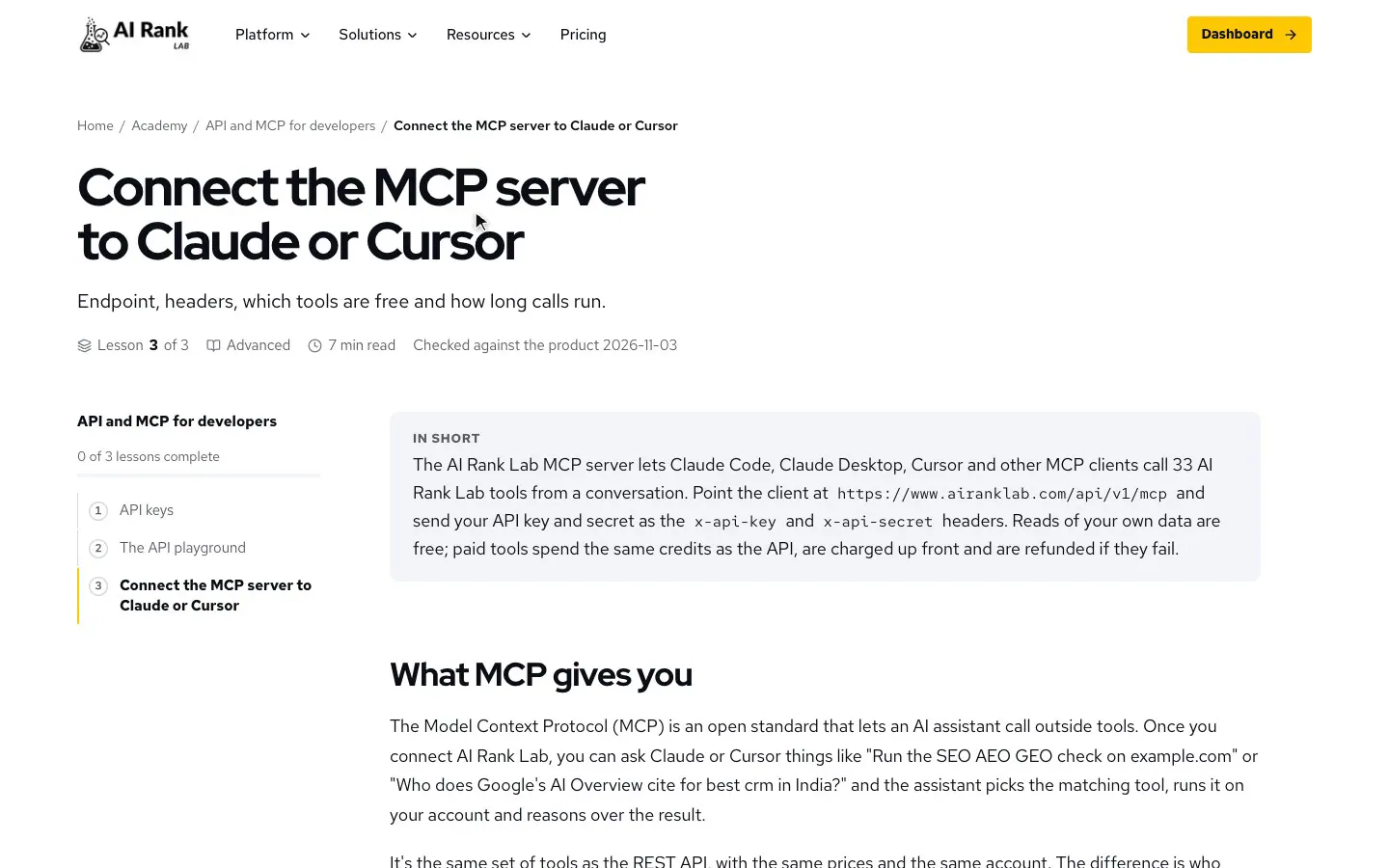
The Model Context Protocol (MCP) is an open standard that lets AI assistants call external tools. Our MCP server is a thin layer over the /api/v1 REST API: same tools, same credit billing, same account, but callable by Claude, Cursor or any other MCP client as part of a conversation.
It uses the Streamable HTTP transport in stateless mode, so there is nothing to install or host. Point your client at the endpoint with your API credentials. 33 tools are available today.
Endpoint and authentication
The server lives at a single endpoint:
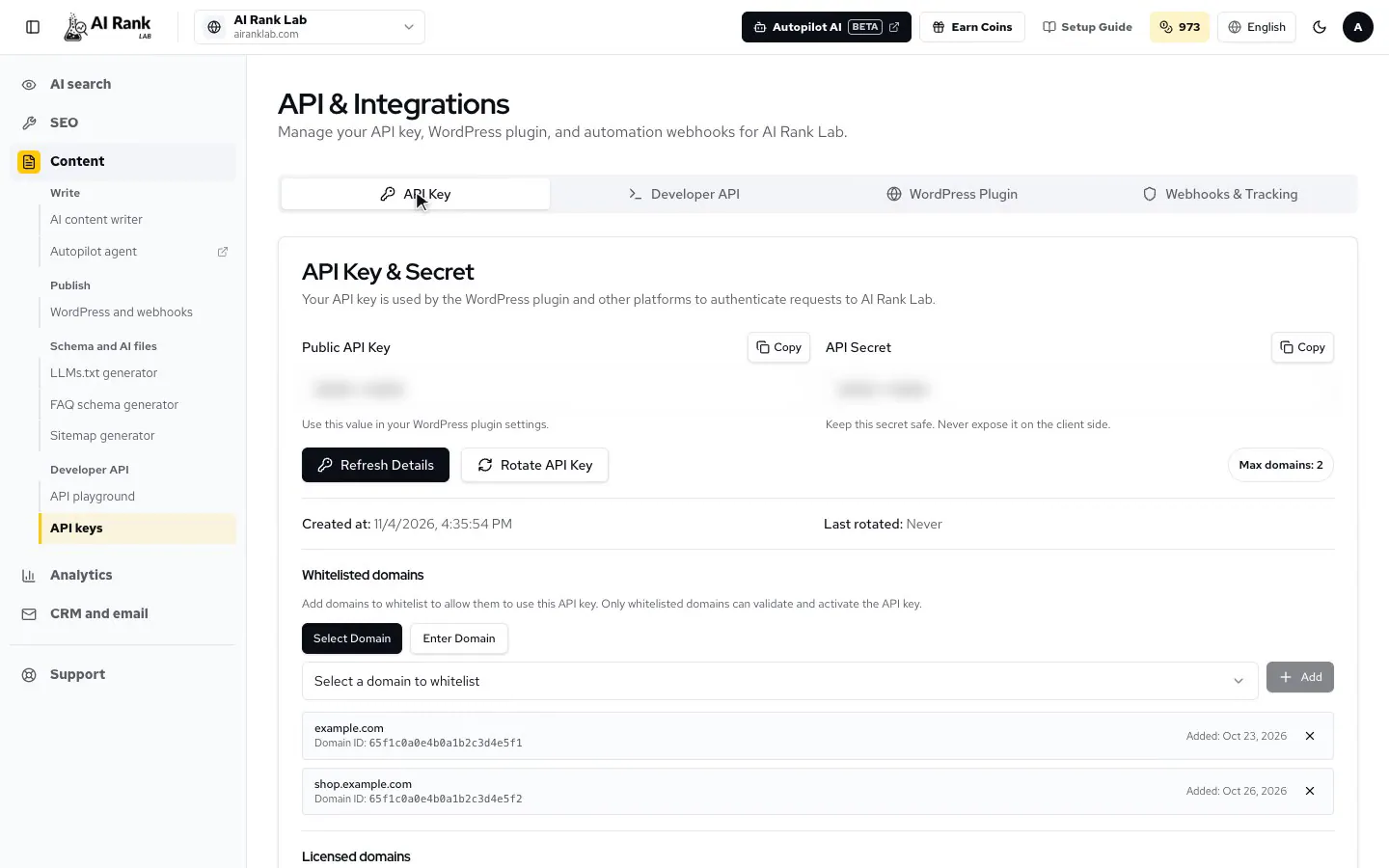
POST https://www.airanklab.com/api/v1/mcpEvery request carries the same two headers as the REST API: x-api-key and x-api-secret. Generate both in the dashboard under Developer API → API Keys.
Your MCP client config stores the secret in plain text on your machine. Keep the config file out of version control, and rotate the key pair from the dashboard if it ever leaks.
Claude.ai (web app)
In Claude.ai, open Add custom connector. Claude.ai does not support custom headers, so your credentials go in the URL query string. Paste this into Remote MCP server URL, replace the placeholders, and leave the Advanced OAuth fields blank.
https://www.airanklab.com/api/v1/mcp?x-api-key=YOUR_API_KEY&x-api-secret=YOUR_API_SECRETBecause the credentials sit in the URL, they may appear in our server access logs. Use the URL exactly as shown: the www host and no /sse suffix. Claude.ai posts to the exact URL you paste; a different host or path returns an error, and Claude then falls back to an OAuth sign-in that this server does not offer.
Claude Code
One command adds the server to Claude Code (CLI v1.x or later):
claude mcp add --transport http airanklab https://www.airanklab.com/api/v1/mcp \
  --header "x-api-key: YOUR_API_KEY" \
  --header "x-api-secret: YOUR_API_SECRET"
Then ask things like “Run the SEO AEO GEO check on example.com” or “Who does Google's AI Overview cite for best crm?”. Claude Code calls seo-aeo-geo-audit and google-ai-overview for you.
Claude Desktop
Add this to your Claude Desktop configuration (Settings → Developer → Edit config, file claude_desktop_config.json), then restart the app:
{
  "mcpServers": {
    "airanklab": {
      "url": "https://www.airanklab.com/api/v1/mcp",
      "headers": {
        "x-api-key": "YOUR_API_KEY",
        "x-api-secret": "YOUR_API_SECRET"
      }
    }
  }
}
Cursor
Add the same block to ~/.cursor/mcp.json (global) or .cursor/mcp.json in your project:
{
  "mcpServers": {
    "airanklab": {
      "url": "https://www.airanklab.com/api/v1/mcp",
      "headers": {
        "x-api-key": "YOUR_API_KEY",
        "x-api-secret": "YOUR_API_SECRET"
      }
    }
  }
}
Keyword research over MCP
keyword-research is real Google keyword data inside your agent. Give it up to 10 seed keywords for their metrics and on-topic expansions, or a website URL to see the keywords that domain ranks for and its position for each. Choose the market and language; the default is the United States in English. Run keyword-research-estimate first if you want the credit cost before you spend it.
- “Research keywords around “generative engine optimization” in the US and sort by volume.” →
keyword-research - “Which keywords does competitor.com rank for in the United Kingdom, and at what position?” →
keyword-research - “How many credits would that keyword research cost before I run it?” →
keyword-research-estimate - “Show the live Google results for “mcp seo” on mobile in India.” →
google-search - “Does Google show an AI Overview for “best seo mcp server”, and who does it cite?” →
google-ai-overview - “Which of my queries in Search Console sit at positions 8–15 with 500+ impressions?” →
gsc-performance
Tools and credits
MCP tools mirror the REST endpoints and spend the same credit balance. Reads of your own data are free, and a paid call is charged up front and refunded automatically if it fails. One tool is billed differently over MCP: keyword-research is metered at 100 credits per data lookup (typically 400 to 500 credits a run), where the REST endpoint charges a flat 50. The maximum is reserved when the run starts and the unused part is returned.
The three Google tools (google-search, google-ai-overview, google-ai-mode) take a country and a device. Name the country (“India”), its ISO code (“IN”) or its numeric location code (2356), and pick desktop or mobile; results differ between the two, so measure the one your buyers use. search-locations lists every supported market. The GA4 and Search Console tools read the accounts you connected in the dashboard.
ai-citation-check asks ChatGPT, Perplexity, Claude and Gemini the same question in one call and is billed per engine, so naming fewer engines costs less. The backlink tools work on any domain, so an agent can research a competitor's link profile directly; the free backlink-filters tool lists the presets and fields they accept.
AI search visibility
| Tool | What it does | Credits per call |
|---|---|---|
ai-citation-check | Ask ChatGPT, Perplexity, Claude and Gemini one question with live web search and see who each one cites | 100 credits per engine (400 for all four) |
brand-visibility | Ask one AI engine (ChatGPT, Claude, Gemini or Perplexity) a prompt and analyse your brand in the answer | 100 credits per engine run |
google-ai-overview | Google's AI Overview for one query, country and device, with every source URL it cites | 100 credits |
google-ai-mode | Google's AI Mode answer for one query, country and device, with its sources | 100 credits |
citations | Recent citations of your domain by AI engines: which bot cited which page, and when | Free |
list-prompts | The AI prompts you track for brand visibility, filtered by domain, status or category | Free |
prompt-citations | Which URLs and domains won AI citations for one tracked prompt over a lookback window | Free |
action-plan | Research the top-cited URLs for a tracked prompt and get grounded article topics that could win the citation | 20 credits |
Keywords and SERPs
| Tool | What it does | Credits per call |
|---|---|---|
keyword-research | Volume, CPC, difficulty, intent and 12-month trend for up to 10 seeds or a whole domain, plus the live SERP for top keywords | 100 credits per data lookup (typically 400–500 a run) |
keyword-research-estimate | Quote a keyword-research run before you spend anything: lookups, typical and maximum cost, your balance | Free |
google-search | Live Google results for one query, country and device: organic positions, featured snippet, People Also Ask | 100 credits |
search-locations | Every country, language and device the three Google tools accept | Free |
Audits and fixes
| Tool | What it does | Credits per call |
|---|---|---|
seo-aeo-geo-audit | The full three-pillar checker: SEO, AEO and GEO scores out of 100 with one prioritised fix list | 50 credits |
audits | Technical, SEO and AEO audit of a single URL | 50 credits |
core-web-vitals | Google PageSpeed and Core Web Vitals for a URL | 25 credits |
faq-generator | FAQ question and answer pairs plus FAQPage JSON-LD from a page URL | 20 credits |
llms-txt | An llms.txt file for a website, following the llmstxt.org specification | 20 credits |
Backlinks
| Tool | What it does | Credits per call |
|---|---|---|
backlinks-overview | Backlink profile summary for any domain: rank, referring domains, spam score | 15 credits |
backlinks-history | Month-by-month backlink trend with new and lost links | 15 credits |
backlinks-list | Every individual backlink to a domain or URL, with anchors, authority and spam signals | 150 credits |
referring-domains | Domains linking to any site, ranked by authority | 25 credits |
anchor-text | Anchor text distribution and over-optimisation signals | 25 credits |
bulk-domain-authority | Authority rank for up to 100 domains in one call | 25 credits |
backlink-filters | The filter presets, modes and fields the backlink tools accept | Free |
Your own data
| Tool | What it does | Credits per call |
|---|---|---|
gsc-performance | Search Console clicks, impressions, CTR and position by query, page, country, device or date | Free |
gsc-sites | The Search Console properties you connected, with the siteUrl to pass on | Free |
ga4-report | Any GA4 metrics broken down by any GA4 dimensions over your connected property | Free |
ga4-realtime | GA4 activity in the last 30 minutes | Free |
ga4-properties | The GA4 accounts and properties you connected, with the propertyId to pass on | Free |
tracking-stats | AI bot visit stats for one of your domains: totals, top bots, top pages | Free |
list-domains | The domains on your account, with tracking-script status and your credit balance | Free |
add-domain | Register a new domain and get its tracking script | Free |
credits | Your credit balance and recent transactions | Free |
Long-running tools
Heavier tools such as audits and brand visibility normally finish within the request. Each call has a 120-second budget: if the work is not done in time, the tool returns a jobId with polling instructions instead of the result.
Poll GET /api/v1/jobs/:jobId (REST, same headers) until the status is completed. See async jobs in the API reference.
Rate limits
MCP requests count against the same per-key limit as the REST API: 60 requests per minute by default. A 429 response includes Retry-After. Need a higher limit? Contact us.
Related resources
- REST API reference: full endpoint documentation with request and response samples.
- OpenAPI spec (JSON): machine-readable schema for codegen.
- Postman collection: ready-made requests for every endpoint.
- API playground: try every endpoint live from the dashboard.
- Autopilot (beta): the AI agent inside AI Rank Lab that uses the same tools.
Watch it work in the real product
Short video lessons from the free AI Rank Lab Academy, recorded in the real product. Videos are in English.
أسئلة يطرحها علينا العملاء
لديك سؤال آخر؟ اسأل الفريق
What is the AI Rank Lab MCP server?
A remote Model Context Protocol server at https://www.airanklab.com/api/v1/mcp. It exposes the AI Rank Lab developer API as tools, so Claude, Cursor and other MCP clients can call them during a conversation.
Can I get SEO data in Claude automatically through an MCP server?
Yes. Add the server to Claude.ai, Claude Desktop or Claude Code with your API key and secret, then ask in plain English. Claude picks the tool, such as keyword-research or gsc-performance, and runs it for you.
Can I run AI visibility checks directly from Claude or Cursor?
Yes. ai-citation-check asks ChatGPT, Perplexity, Claude and Gemini one question and reports who they cite; brand-visibility asks one engine about a brand; google-ai-overview and google-ai-mode show Google's AI answers and their sources.
Is there a keyword research MCP?
Yes. keyword-research takes up to 10 seed keywords, or a website URL to see the keywords that domain ranks for, in the market and language you choose. It returns volume, CPC, difficulty, intent and 12-month trend. It is billed at 100 credits per data lookup, usually 400 to 500 credits a run, and keyword-research-estimate quotes the cost first for free.
How is the MCP server billed?
In credits from your AI Rank Lab plan. Most tools cost the same as the matching REST API call, from 15 to 150 credits, and ai-citation-check costs 100 per engine. keyword-research is metered per data lookup over MCP. Reads of your own GA4, Search Console, bot-visit and citation data are free, and failed calls are refunded.
Is there an SEO MCP server for Claude?
Yes. The AI Rank Lab MCP server works in Claude.ai as a custom connector, in Claude Desktop through claude_desktop_config.json, and in Claude Code with one claude mcp add command. Once connected, Claude can run keyword research, Google SERP and AI Overview lookups, audits and Search Console reports.
Do I need to install or host anything?
No. The server runs on AI Rank Lab over Streamable HTTP in stateless mode. You add one URL and two credentials to your client.
Why doesn't Claude.ai accept my connector URL?
Use the exact URL with the www host, /api/v1/mcp path and your key and secret as query parameters, with no /sse suffix. A different host or path fails, and Claude then offers an OAuth sign-in this server does not support.
What are the rate limits?
MCP calls share the REST API limit of 60 requests per minute per key by default. A 429 response includes Retry-After. Contact us if you need more.
Keep going
- SEO MCP server
What an AI agent can do with AI Rank Lab over MCP, with example workflows.
- REST API reference
Every endpoint the MCP tools mirror, with request and response samples.
- Google Search Console integration
Connect the property that gsc-performance reads.
- Google Analytics 4 integration
Connect the property that ga4-report reads.
- Keyword planner
The same keyword data in the dashboard.
Connect your agent
Generate your API key and secret, paste one config block, and your AI agent can run real marketing tools. Or start with the free audit.