

Your first 30 minutes: first audit, first prompt
A guided first session: audit your homepage, run one buyer question across AI engines and read both results.
Listen to this lesson · 2:35
In shortIn your first session, run the AEO and GEO checker on your homepage, read its scores and pick three fixes, then add one real buyer question in Brand visibility and run it on one AI engine to see whether you're mentioned and who is cited. Both actions cost credits, shown before you run them. The free signup credits cover one of the two, so plan which to do first.
The goal of this session
You leave with two real results about your own site: a readiness score for your homepage with a short fix list, and one answer from an AI engine showing whether it mentions your brand and which pages it cites. Those two results are the starting point for everything else in AI Rank Lab.
- 0–5 minRun the AEO and GEO checker on your homepage.
- 5–15 minRead the score bands and pick three quick wins.
- 15–25 minRun one buyer question on one or two AI engines.
- 25–30 minOpen Citations: note who is cited instead of you.
Before you start: check your credits
Look at the balance in the dashboard header. A homepage audit and a single-engine prompt run each have a fixed price, listed below. The free onboarding credits are enough for one of them, not both.
- Only the free credits? Do part 1 (the audit) now and set up your prompt in part 2 without running it, or skip the audit and run the prompt. Both are useful; the audit gives you fixes, the prompt shows where you stand in AI answers.
- On a plan or with a pack? Do both parts in order.
Part 1: audit your homepage (about 10 minutes)
- Open the checkerIn the sidebar, click AI search → AEO and GEO checker. At the top is a box headed Audit Any Webpage for AI & Traditional Search.
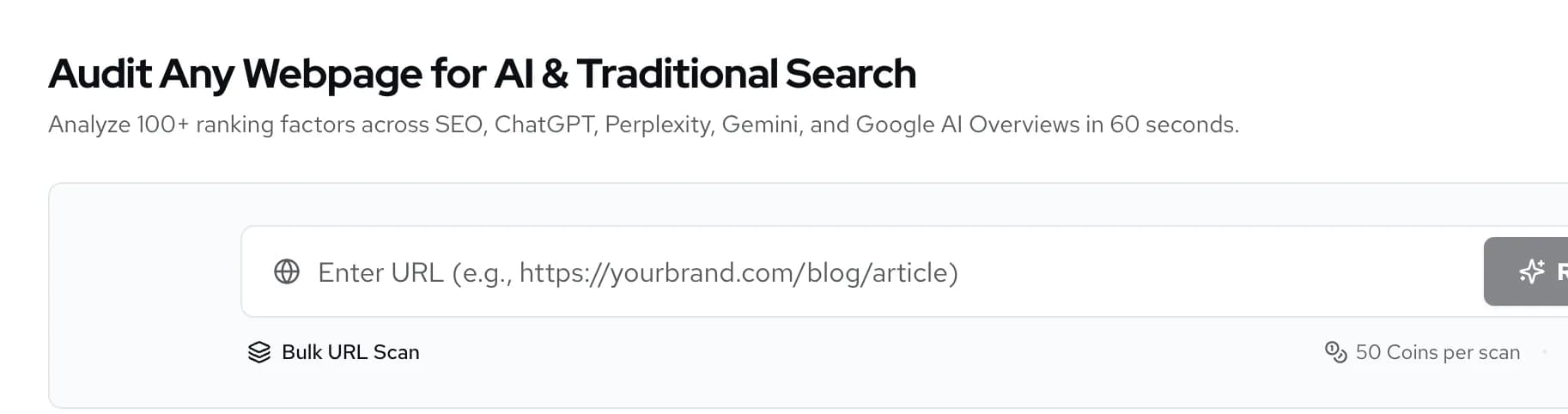
AI search → AEO and GEO checker. - Run the auditPaste your homepage URL, including
https://, and click Run Free Audit. The button text is older than the pricing: the scan is charged at the price printed under the box. The status shows Analyzing Website... while it works. - Open the reportThe scan appears in Recent Website Audits below. When it has finished, click View on its row. The report opens in a new tab.
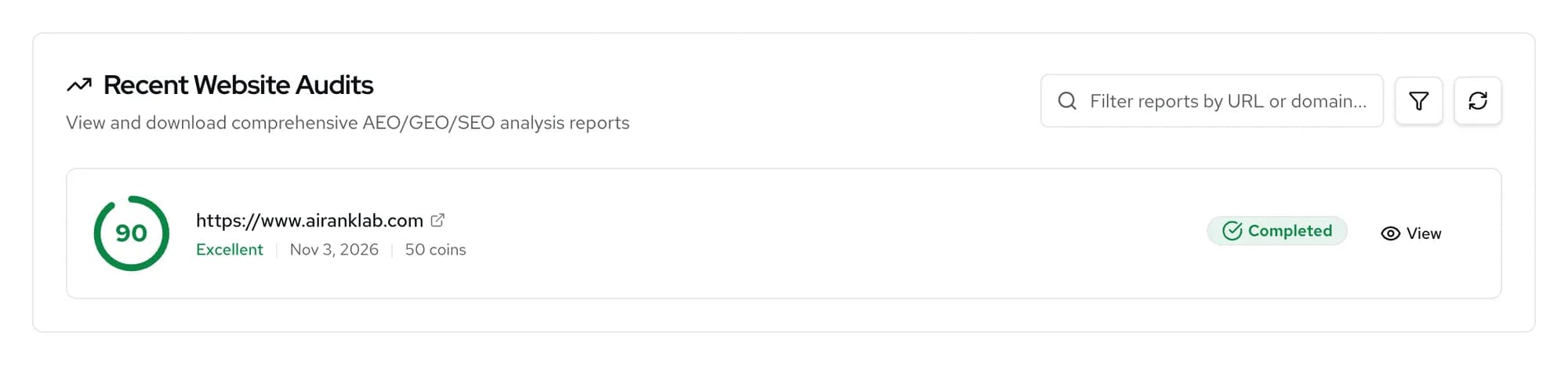
Reports stay here; opening them again is free.
Read the overall score against the bands the table uses: Excellent (80+), Good (60–79), Needs Work (40–59) and Critical (0–39). Then look at the separate SEO, AEO and GEO scores. A low AEO score usually points to answers that are hard to lift out of the page; a low GEO score to weak signals that AI engines use to trust and cite a source. Write down three fixes that you can make this week. Read the AI audit report goes through each section.
Part 2: run one buyer question (about 15 minutes)
A prompt is a question a real buyer might ask an AI assistant, such as "best accounting software for freelancers in the UK". Pick one where you would expect, or hope, to be recommended. Avoid your brand name in the question; you want to know whether the AI brings you up on its own.
- Open Prompt researchGo to AI search → Brand visibility → Prompt research. On your first visit a Set up brand tracking wizard opens.
- Skip the wizard on a small balanceThe wizard reads your homepage first. When you continue to its Prompts step it runs AI Suggest automatically (which costs credits) and pre-selects five prompts across four platforms. Start Tracking runs all of them at once. On a small balance, click Skip for now instead.
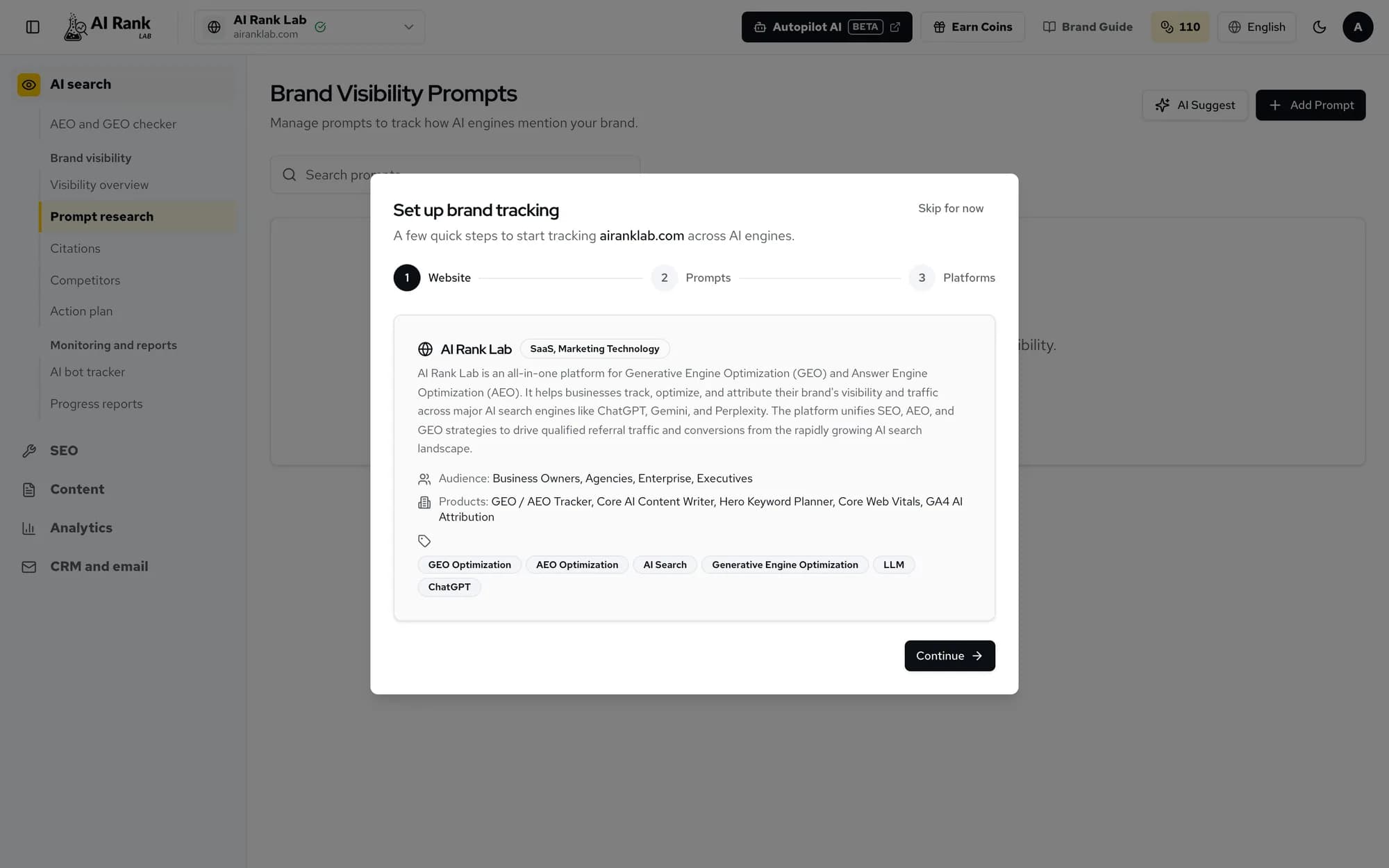
Fine to use when you have credits to spare. - Add your questionClick Add Prompt, type it in Prompt Text, choose an Intent and Category if you like, and save. Adding a prompt is free.
- Run it on one engineClick Run on the prompt's row. The Select Engines to Run box opens with every engine ticked. Untick all but one, for example ChatGPT, then click Run Now.
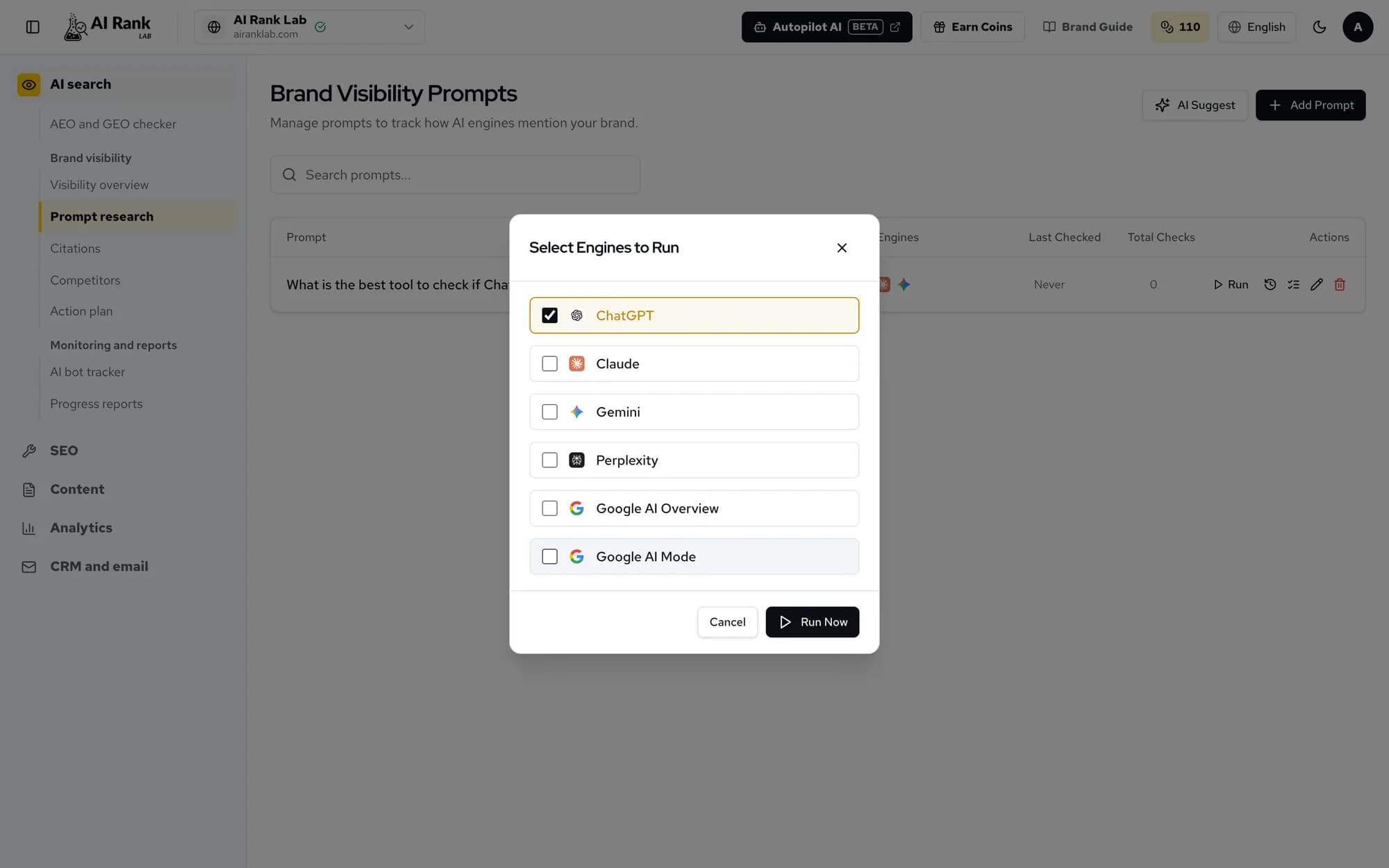
Each ticked engine is charged separately. - Read the resultThe Run Results window opens when the run finishes. Brand Analysis shows Mentioned or Not mentioned, your Position in the answer and the Sentiment. Below it you'll see the Competitors named and the Cited URLs. The Raw Response is the full answer the engine gave.
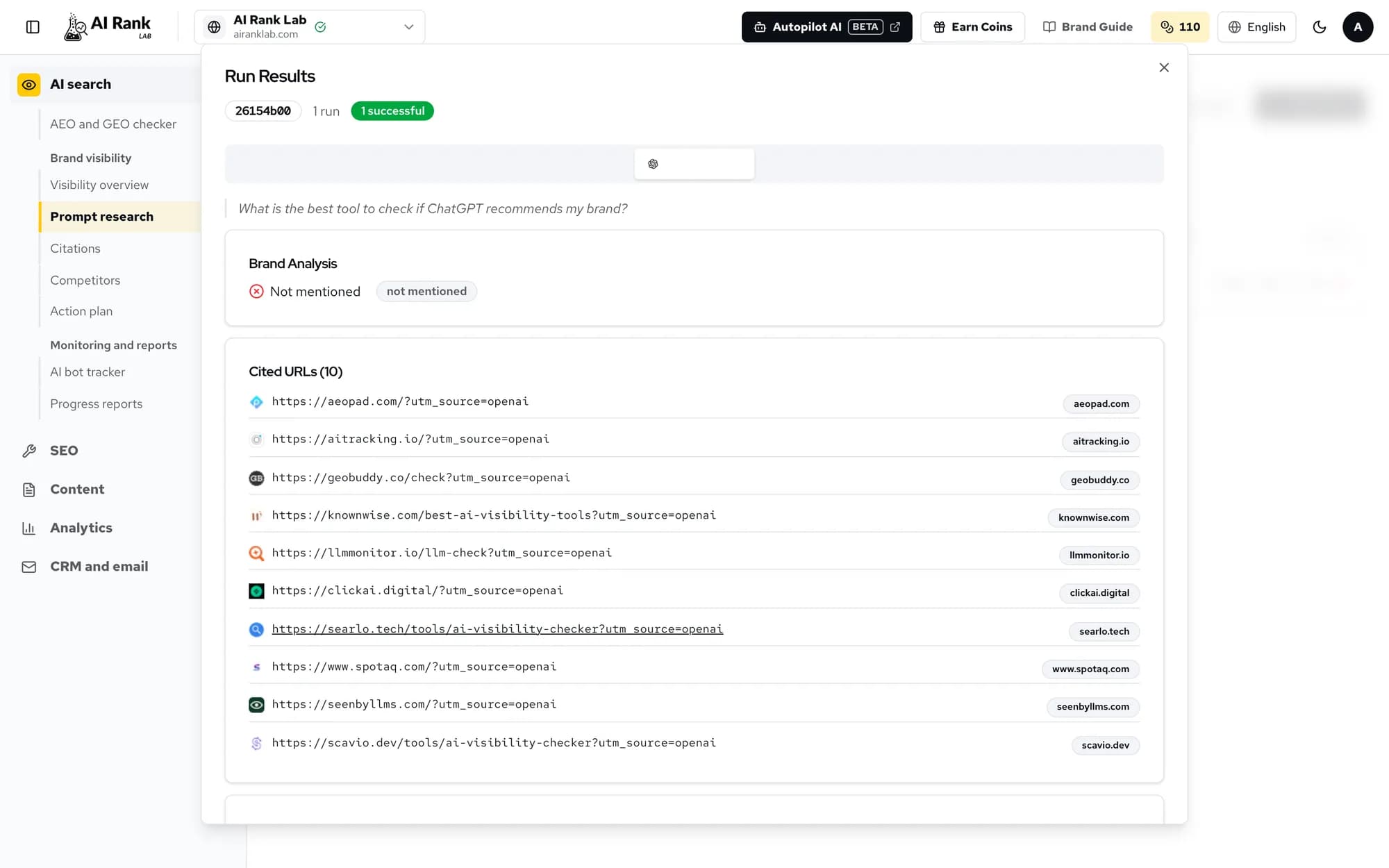
The cited URLs are the pages you are competing with.
AI answers vary from run to run and engine to engine. A single "Not mentioned" tells you where to look, not your final position. Prompts only run when you run them, so re-run the same question on the same engine later and compare like with like.
Last 5 minutes: decide what to do next
| What you saw | Next step |
|---|---|
| Low audit score, clear fixes | Make the three fixes, then re-scan the page. |
| Not mentioned, competitors cited | Open the cited URLs and see what they cover that you don't. Then try Action plan. |
| Mentioned, but low or negative | Read the raw answer for what the engine says about you, and fix the page it draws from. |
| Mentioned near the top | Add more buyer questions and check other engines when you have credits. |
Check yourself
0 of 3 answered.
Progress is saved in this browser.
Transcript
Put the lesson to work
Paste your site and get a free SEO, AEO and GEO audit with the fixes, then come back to the next lesson.